
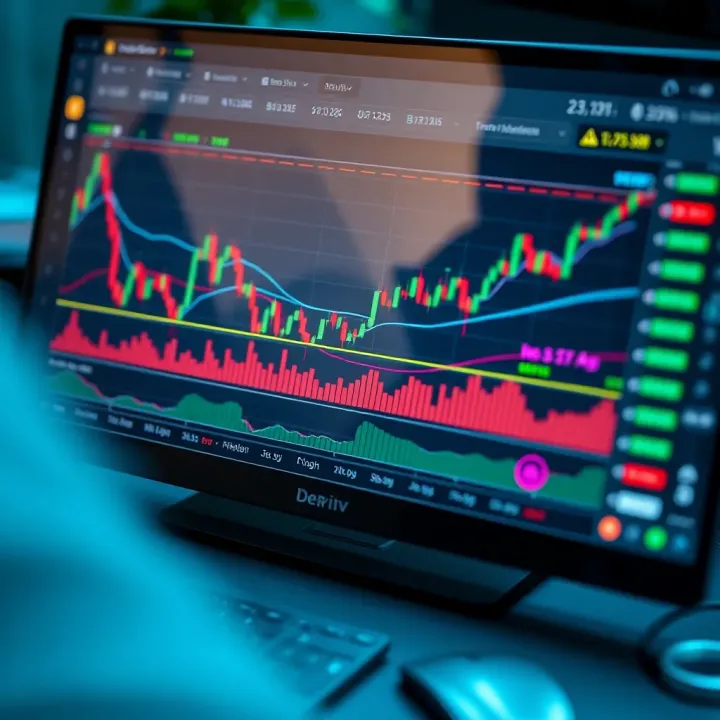
Understanding Deriv TradingView for Market Analysis
📊 Discover how to use Deriv TradingView's tools for smarter market analysis in Kenya. Learn chart reading, trading features & strategies to boost confidence.
Edited By
Sophie Turner
TradingView has become a go-to platform for traders looking for clear, reliable market analysis tools. Kenyan traders and investors find its user-friendly interface and robust features practical for making informed decisions. Whether you are analysing NSE stocks, foreign exchange, or commodities like tea and coffee futures, TradingView offers functionality that fits diverse trading needs.
Setting up TradingView is straightforward. Start by creating a free account using your email or Google details; this gives you access to most charting tools suitable for beginner to intermediate traders. For those aiming to connect directly with brokers or access advanced features, subscribing to a paid plan unlocks real-time market data and API integrations.
Understanding TradingView’s core features is key to effective use:
Charts & Indicators: Over 100 built-in indicators such as RSI, MACD, and Bollinger Bands help you spot market trends. You can plot customised charts combining these indicators to suit your strategy.
Drawing Tools: Trend lines, fib retracements, and support/resistance zones are easily drawn to highlight market levels relevant for intraday or swing trading.
Screeners: The stock and forex screeners allow filtering instruments by volume, price action, or technical signals, helping you focus on promising opportunities.
Alerts: Setting price or indicator alerts keeps you prompt without staring at charts all day.
Linking TradingView with local and international brokers is increasingly seamless. Many Kenyan brokers have partnered with platforms compatible with TradingView or offer API access. This integration enables placing trades directly from TradingView charts, cutting down reaction time — essential in volatile markets.
For Kenyan traders, customising charts with relevant market sessions, currency pairs like USD/KES, and commodity indices supported by TradingView enhances visibility and relevance.
Challenges such as slow internet or currency conversion rates can affect live data access. Ensuring a stable connection and selecting appropriate subscription plans helps mitigate these problems. Additionally, using TradingView's offline analysis features can aid during connectivity drops.
In summary, implementing TradingView effectively means starting with a clear setup, mastering core charting tools, connecting with brokers, and tailoring user settings to Kenyan market specifics. Doing so improves market analysis and sharpens trading decisions.
Starting with TradingView sets the foundation for effective market analysis, especially in a fast-moving environment like Kenya’s financial markets. Getting familiar with the platform early on helps traders and investors make quicker, smarter decisions by leveraging the right tools and data. From signing up to understanding the dashboard and basic navigation, each step plays a key role in building user confidence and efficiency.
Sign-up process and account types: Signing up for TradingView is straightforward—visit their website and choose an account type that suits your needs. For casual traders or beginners, the free basic account gives access to key features like real-time charts and a wide indicator range. More active traders or professionals can opt for paid plans that unlock advanced tools, alerts, and increased chart layouts. Kenyan traders will find it useful that the platform supports local payment methods, including M-Pesa, for easy subscription payments.
Overview of the TradingView dashboard: The dashboard is your control centre. Once logged in, you’ll see an overview of charts, watchlists, news, and recent market activity. It’s designed to be intuitive, helping you focus on the instruments that matter—be it NSE equities, forex pairs, or cryptocurrencies like Bitcoin. The dashboard also highlights community insights and trending ideas, giving you a pulse on market sentiment without leaving the platform.
Basic navigation for new users: For newcomers, the main navigation bar is where you start. It includes quick access to charts, screeners, alerts, and your saved layouts. TradingView’s clean design means tools aren’t buried—drawing tools and indicators are a click away. Beginner traders should take time to explore this navigation, try adding an asset to their watchlist, or set a simple price alert. These small steps go a long way in building trading discipline.
Accessing and applying technical indicators: Indicators like Moving Averages, RSI (Relative Strength Index), and MACD (Moving Average Convergence Divergence) are essential tools for spotting market trends and entry points. TradingView offers hundreds of them free and paid. You can apply these with a couple of clicks from the indicator menu. For example, a Kenyan forex trader might combine RSI and Bollinger Bands to gauge oversold or overbought conditions on USD/KES.
Using drawing tools for market analysis: Drawing tools help pinpoint trends, support and resistance levels, and price patterns. You can draw trendlines, horizontal support lines, or Fibonacci retracements directly on the chart. Say you’re tracking Safaricom shares; drawing a clear resistance line could warn you when prices might stall or reverse. These visual aids aid better decision-making and can form the basis for alert creation.
Managing multiple charts and layouts: TradingView allows you to view several charts simultaneously, either of the same asset with different timeframes or different assets for comparison. This is especially handy for active traders watching NSE indices alongside forex pairs or cryptocurrencies. You can save customised layouts, so your preferred charts load instantly the next time. For instance, an investor monitoring NSE 20, EUR/USD, and BTC/KES can switch between these setups without delay, improving responsiveness.
Taking time to get comfortable with creating an account, navigating the dashboard, and understanding basic charting tools sets you up for confident and effective market analysis on TradingView.
Integrating TradingView with brokers and APIs opens up a more efficient way for traders to analyse and execute market activities. This connection provides live data, streamlines transactions, and allows for personalised setups that suit individual trading styles. For Kenyan traders, linking TradingView to their brokerage accounts means combining charting power with actual trading capabilities in one platform, removing the hassle of juggling multiple apps.
Kenyan traders can connect TradingView to brokers like Nairobi Securities Exchange (NSE) licensed firms or regional brokers handling forex and commodities. Popular brokers such as EFG Hermes Kenya, Axys Stockbrokers, and regional forex dealers have varying degrees of TradingView support, often relying on bridging software or APIs. This ensures traders have access to instruments relevant to the Kenyan market directly on TradingView.
Linking accounts securely involves verifying your broker’s compatibility with TradingView first. Most brokers require OAuth authentication or API keys, which you enter within TradingView to establish a two-way link. This process keeps your account safe and avoids exposing sensitive credentials. Always confirm broker policies on data sharing and API use to safeguard your account against unauthorised access.
The benefit of real-time data integration cannot be overstated. Instead of looking at delayed feeds or switching between platforms, traders see live price movement on charts alongside their order books. This live sync supports instant decision-making, improving timing for buying or selling. For example, a trader watching NSE equities can execute orders within TradingView with the latest bid-ask prices, cutting the lag time common when switching between separate trading and charting platforms.
TradingView offers APIs that allow developers and tech-savvy traders to customise their experience beyond the standard platform tools. The available APIs include widget integration, charting libraries, and server-side access for automating data feeds. This flexibility means Kenyan fintech firms or hobbyist programmers can develop bespoke applications tailored to local market specificities.
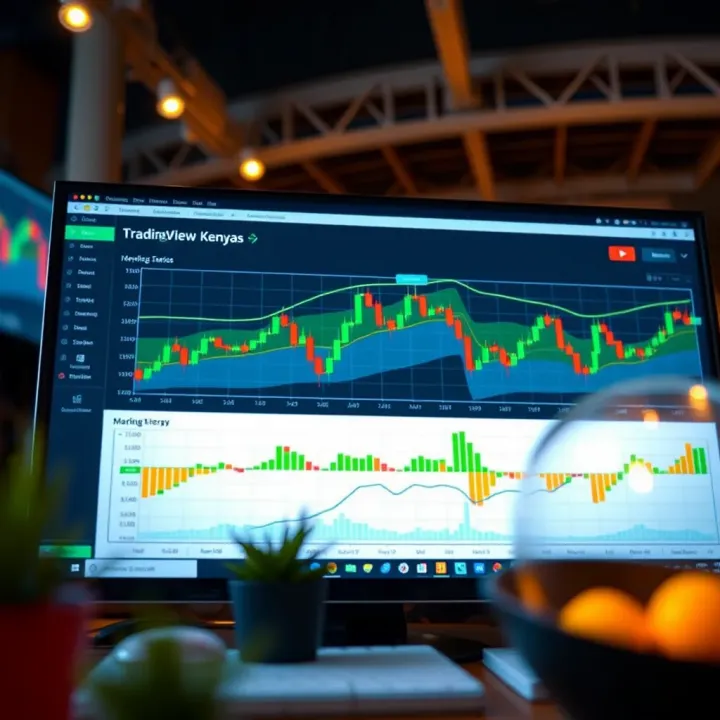
Common API use cases include embedding TradingView charts on financial news websites, building automated trading bots linking TradingView signals to brokers, or creating mobile apps that synchronise TradingView data with other trading tools. For instance, a developer could use the API to pull live NSE data into a custom dashboard for portfolio tracking or risk management.
When working with TradingView APIs, developers must follow guidelines such as rate limits on requests, adherence to data privacy regulations, and keeping API keys confidential. It's important to build efficient, secure applications that use the APIs responsibly to avoid disruptions or compromise to user data. Proper documentation provided by TradingView should always be reviewed before deployment.
Integrating TradingView with brokers and APIs turns market analysis into actionable steps, bringing speed, convenience, and customisation within reach for Kenyan traders and developers alike.
Customising TradingView to suit the Kenyan market helps traders stay relevant and efficient when analysing local assets. The platform is global by design, so setting it up for Kenyan specifics means you get data and insights that truly reflect local conditions, from equities listed on the Nairobi Securities Exchange (NSE) to regional commodities. This local focus reduces noise and uncertainty, making your analysis sharper and decision-making faster.
Adding NSE equities and commodities: To make useful trading decisions, you need access to NSE equities such as Safaricom, Equity Bank, and KCB Group. TradingView allows you to add these instruments quickly by searching their stock tickers on the platform and saving them as favourites. This saves time and helps you track performance across sectors like banking, telecommunications, and agriculture commodities like tea and coffee futures.
The practical benefit comes when you monitor local economic events affecting these stocks or commodities. For example, watching Safaricom's price movements around dividend announcements or market reactions to Kenya's budget speeches gives you an edge over relying on international indices.
Accessing forex and cryptocurrency markets: Kenyan traders often participate in forex trading and increasingly in cryptocurrencies such as Bitcoin and Ethereum. TradingView supports major forex pairs like USD/KES, EUR/USD, and popular cryptocurrency pairs. Adding these to your watchlist allows you to respond to currency fluctuations—for example, the Kenya shilling’s strength against the dollar, which influences imports and exports.
Cryptocurrency markets operate 24/7 and are volatile; having them integrated means you can spot sudden price swings right from your dashboard. This integration lets you balance exposure between traditional financial instruments and digital assets, crucial in Kenya’s growing fintech scene.
Handling time zones and market hours: Kenyan traders face unique timing challenges because NSE operates in East Africa Time (EAT), while many global markets they watch follow different zones. TradingView lets you set and view charts in EAT so that market open and close times align with your local clock.
Understanding market hours is vital; for instance, NSE trading is open from 9:30 am to 3 pm EAT. If you're analysing commodities or forex markets in New York or London hours, synchronising these with Nairobi time helps you plan trades and avoid missing key sessions. Adjusting your charts accordingly eliminates confusion and avoids costly timing errors.
Creating customised price alerts: Alerts let you stay on top of market moves without constantly watching charts. You can set price-specific or indicator-based alerts for NSE stocks, forex pairs, or cryptocurrencies, prompting you when conditions you care about occur.
For example, an alert on Equity Bank crossing KSh 50 can trigger an SMS or app notification, so you act quickly. Tailoring these alerts avoids distractions from unimportant fluctuations, focusing your attention where it counts.
Managing mobile and email notifications: TradingView’s alert system supports multiple channels including mobile app push notifications and emails. For Kenyan traders often on the move, receiving alerts on your phone means you can respond during matatu rides or at market stalls.
Setting email alerts helps you archive and review important market signals later, especially during busy days. Balancing notifications between mobile and email ensures you don’t miss urgent updates but also prevents overload.
Optimising alert settings for timely decisions: Since markets can move fast, configuring alerts sensibly is key. For example, setting alerts with reasonable trigger thresholds and avoiding overly sensitive parameters reduces false alarms.
You might fine-tune alerts for after-market hours or adjust notification intervals during busy trading days, ensuring you get timely information without confusion. Combining tailored alerts with your trading strategy improves discipline, reduces emotional trading, and sharpens responsiveness.
Customising TradingView to fit Kenyan market realities turns it from a generic global tool into a powerful local assistant, helping traders make smarter, faster decisions with relevant data and timely alerts.
Dealing with technical hitches when using TradingView often separates smooth market analysis from frustrating delays. Knowing how to address these hiccups quickly ensures you don't miss crucial trading opportunities. This is especially important for Kenyan traders connected to NSE equities or forex markets, where timely information can make all the difference.
Checking internet and server status is the first step whenever you notice odd behaviour on TradingView like charts not loading or slow updates. Poor internet connection is a common culprit in many Kenyan towns outside Nairobi, where network coverage fluctuates. Also, trading platforms depend on server uptime; if TradingView’s servers or your broker's data feeds experience outages or maintenance, this reflects immediately on your charts. Therefore, regularly confirm your connection and check TradingView’s status page or your broker's announcements to rule out service interruptions.
Dealing with delayed or missing data can be tricky but knowing the cause helps. Data delays often happen during heavy market activity or due to limitations from your connected broker’s API. For example, if you’ve linked a smaller broker operating in Kenya without full real-time feeds, you might see a lag or missing ticks on NSE or cryptocurrency charts. While TradingView offers delayed data for free on some exchanges, subscribing to their paid plans or verified broker feeds upgrades your experience significantly. Some users in Nairobi have solved this by switching to brokers with direct integration, which reduces delays.
Steps to report and fix issues begin with detailed observation. Note exactly when issues occur, whether affecting specific instruments or all feeds. Contact TradingView support with screenshots and timestamps to speed up resolutions. Often, clearing your browser cache or updating the app solves simple glitches. If the problem relates to broker-connectivity, reach out to your broker to ensure your account is active and permissions are set correctly. Keeping your setup updated and verifying account details regularly prevents many integration faults.
Common errors during broker connection include authentication failures or mismatched account types. For instance, linking a Kenyan NSE broker account that’s not supported or incorrectly set up on your TradingView profile causes connection drops. It’s best to check broker compatibility lists on TradingView before linking and double-check login credentials. Moreover, some brokers require two-factor authentication which might add complexity; ensure you configure that properly.
Managing API rate limits matters most when you use TradingView APIs for custom indicators or algorithmic trading. If your requests exceed allowed limits, TradingView might throttle or block further data fetching, causing lag or outages in your scripts. Nairobi-based developers working on algorithmic trading bots should build intelligent requests that space out data pulls. This avoids overloading and respects API terms, ensuring consistent performance.
Ensuring data security and privacy is key when linking brokerage accounts or using APIs. Secure your login credentials using strong, unique passwords and enable two-factor authentication on both TradingView and your broker’s platform. Kenyan traders should be cautious while using public networks or shared devices to access accounts, to avoid data theft. TradingView follows strict encryption standards, but personal vigilance reduces risks further, especially when integrating Fazilh or KCB accounts with real money flows.
Quick fixes and preventive measures help you maintain an edge in market watch. Don’t let technical glitches slow you down — address them fast to keep your trading sharp.
Troubleshooting effectively keeps TradingView functional and reliable, giving Kenyan traders the confidence to make informed decisions without unnecessary interruptions.
TradingView offers more than just basic charting — it provides tools that can boost your trading insights and help you make smarter decisions. Exploiting its full potential means adopting strategies and technologies that others might overlook, particularly in Kenya’s dynamic markets where timely, informed choices are key.
TradingView hosts an extensive public library packed with indicators developed by traders worldwide. These are ready-made technical tools ranging from simple moving averages to complex momentum oscillators. Instead of starting from scratch, Kenyan traders can browse this collection to find indicators suited to their trading style or the NSE market conditions. For example, a trader focusing on the NSE 20 shares might rely on a custom RSI indicator tailored for volatile stocks.
Using these community scripts saves time and lets traders tap into tested formulae. However, it’s wise to understand each indicator’s logic before applying it to avoid blind reliance. This library is also valuable for new traders seeking to learn through practice by seeing how others analyse price action.
Beyond indicators, many community members share complete trading strategies incorporating entry and exit rules. Backtesting these strategies on TradingView helps traders see how they would have performed historically, a crucial step before risking actual money. Suppose you prefer swing trading; testing a strategy designed to capture medium-term trends on Kenyan blue-chip stocks can highlight its suitability.
Adopting a proven strategy reduces guesswork and helps standardise your approach to the market. Still, keep in mind markets evolve, and constant evaluation ensures your chosen plan remains effective under shifting conditions.
Active traders gain by contributing their own scripts to the public library. Writing and sharing your custom indicators or strategies not only builds your reputation but invites feedback from a global community. When you develop a script targeting unique Kenyan market features — say, adjusting for NSE trading hours or forex pairs popular in the region — sharing it can help others while refining your own methods.
Community involvement fosters collaboration, sharpening your coding skills and market understanding simultaneously. TradingView makes it straightforward to publish and manage scripts whether you’re a seasoned coder or a trader branching into Pine Script programming.
The TradingView app brings the power of market analysis to your fingertips anywhere in Kenya. Whether you’re commuting on a matatu or at a café in Nairobi, the mobile app offers full charting capabilities with real-time data. It lets you examine multiple markets — NSE, forex, crypto — on the go, ensuring you don’t miss critical movements.
Familiarity with app features like quick chart switching, tap-to-add indicators, and gesture controls enhances your analysis speed. This convenience is a big plus for traders balancing hectic schedules or needing to monitor multiple assets simultaneously.
One notable benefit of mobile alerts is their integration with systems familiar to Kenyans, like M-Pesa. While TradingView itself doesn’t directly connect to M-Pesa payments, you can integrate alerts with apps or services that notify you via mobile, allowing for fast reaction times. For instance, you might receive a price alert and instantly confirm trade funds in your KCB M-Pesa account before placing an order.
This synchronisation minimises missed opportunities due to slow communication or unavailable funds. Crafting timely alerts that link to your financial readiness equips you to act decisively in Kenya’s often fast-moving markets.
Live market data access through mobile ensures that you have the latest information as prices change by the second. For Kenyan investors, this real-time flow is vital, especially for volatile instruments like forex pairs involving the Kenyan shilling or NSE futures.
The app caches some data to smooth out minor connectivity issues common in rural or busy urban areas. Still, continuously checking headlines, volumes, and price changes on mobile keeps you alert and ready to act regardless of your location.
Regularly updating and adapting your use of TradingView tools, especially through community interactions and mobile integration, can sharpen your trading edge significantly in Kenya’s fast-paced markets.
📊 Discover how to use Deriv TradingView's tools for smarter market analysis in Kenya. Learn chart reading, trading features & strategies to boost confidence.
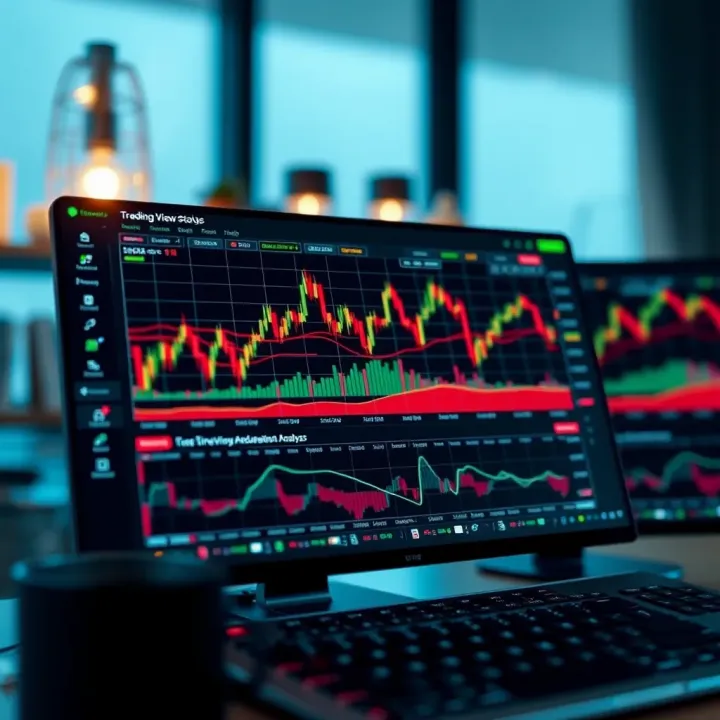
📈 Discover how Kenyan traders can boost Binary.com success by using TradingView's charts. Learn setup tips and strategies for smarter trades today!
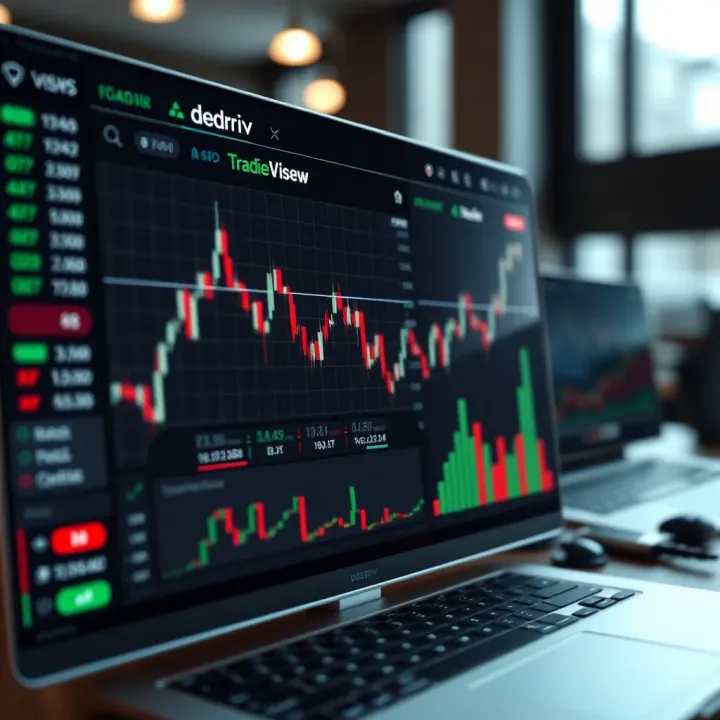
📊 Learn how to integrate Deriv's TradingView features for smooth market analysis. Get step-by-step guidance, customization tips, and solve common issues.
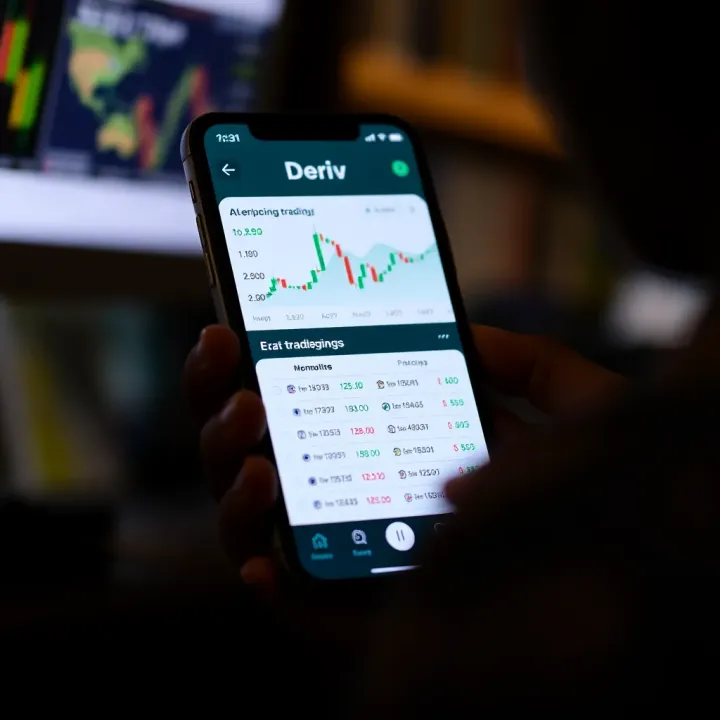
Explore how to set up and navigate the Deriv trading app in Kenya 📱 Gain tips on trading options, security, and boosting your trading success 🇰🇪💹
Based on 9 reviews