
Guide to Binary.com for Kenyan Traders
Explore Binary.com with our detailed guide for Kenyan traders 📊. Learn platform features, start trading safely, and get tips to boost your experience 🇰🇪.
Edited By
Thomas Bennett
TradingView has become a popular choice among Kenyan traders for analysing financial markets, including stocks, forex, and cryptocurrencies. Its appeal lies in offering real-time charts, customisable indicators, and social features that help traders make informed decisions. Unlike traditional brokerage platforms that only let you trade, TradingView combines charting and community insights in one place.
For a Kenyan trader, having access to accurate and timely market data is key. While platforms like Nairobi Securities Exchange (NSE) provide some market information, TradingView's cloud-based service includes data from global exchanges, allowing you to track assets across different regions all from your laptop or smartphone. Whether you're tracking Safaricom shares or bitcoin prices, the platform makes it easy to spot trends and act accordingly.
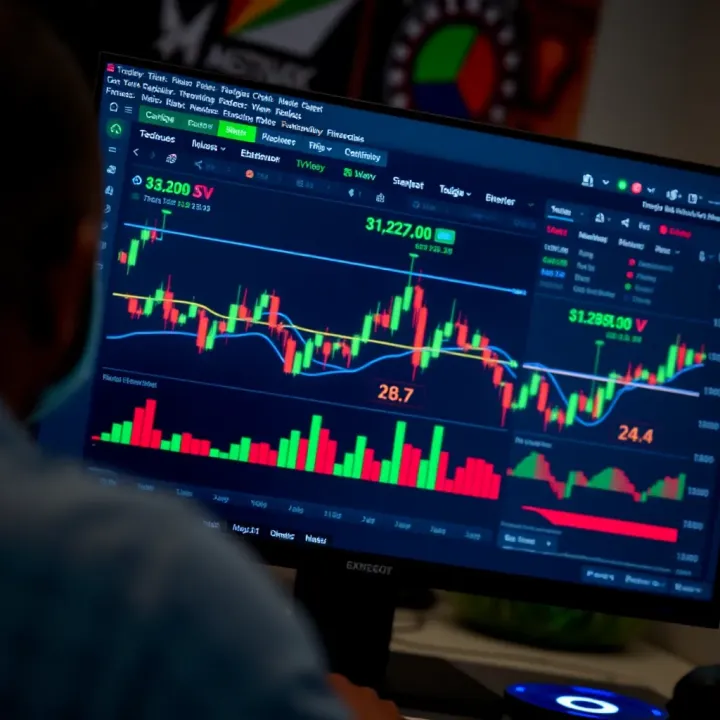
The platform supports several asset classes:
Stocks: Access charts for global stocks including Kenyan companies listed on NSE.
Forex: Monitor pairs like USD/KES, EUR/USD, and others commonly traded by Kenyan forex traders.
Cryptocurrencies: Keep track of Bitcoin, Ethereum, and several altcoins with up-to-date prices.
Apart from charting, TradingView offers a social layer where users share trade ideas, scripts, and analysis. This community aspect is very valuable for Kenyan traders who want to learn from others, especially in markets that move fast and need quick reactions.
Real-time data, powerful tools, and social insight make TradingView a strong platform for Kenyan traders looking to improve their market analysis.
The platform works well both on desktop and mobile, important for those who want to monitor markets while on the go, say during a Nairobi matatu commute or when away from the desk. Plus, with plans ranging from free to paid tiers, traders can pick an option suitable for their budget and needs.
Overall, understanding TradingView and its features can open opportunities for better trading decisions within Kenya's growing market environment.
TradingView has become an essential tool for many Kenyan traders, offering a practical way to analyse financial markets quickly and accurately. Its user-friendly interface allows traders to visualise price movements and market trends, which is valuable whether you're dealing with stocks, forex, or cryptocurrencies. Understanding what TradingView offers and how to use it can significantly improve your decision-making and trading outcomes.
TradingView is a web-based charting platform that provides real-time data, powerful charting tools, and social networking features for traders worldwide. It caters to a wide range of users including individual traders, brokers, financial analysts, and educators. For Kenyan traders, it offers a versatile platform where you can track markets from Nairobi Securities Exchange (NSE) equities to popular forex pairs and crypto coins.
TradingView includes price data and charts for Kenyan shares listed on the NSE, such as Safaricom, KCB Group, and Equity Bank. For regional investors, it also provides access to stocks from neighbouring East African countries like Tanzania and Uganda. This allows Kenyan traders to track local companies alongside regional market movements, giving a broader perspective on investment opportunities.
The forex market is actively traded by many in Kenya due to its liquidity and 24-hour nature. TradingView covers key forex pairs important to Kenyan traders, including USD/KES, EUR/USD, GBP/USD, and USD/JPY. Monitoring these pairs on TradingView helps traders spot entry and exit points and understand market sentiment influenced by global events and Central Bank of Kenya policies.
Digital currencies like Bitcoin, Ethereum, and popular altcoins have seen increased interest in Kenya. TradingView supports comprehensive charting for major cryptocurrencies traded on platforms accessible to Kenyans. This aids crypto traders in performing technical analysis and following price trends, especially useful amid the volatile nature of crypto markets.
TradingView offers several advantages tailored for Kenyan traders. Its interactive charts come with various technical indicators, enabling deeper market analysis beyond basic price tracking. Additionally, the social networking aspect allows you to follow local and global experts, exchange strategies, and learn from community discussions. Being web-based with mobile support means you can trade and monitor markets even while commuting in the matatu or relaxing at home.
Reliable access to accurate market data and timely alerts on TradingView can help Kenyan traders avoid costly mistakes and seize trading opportunities effectively.
Moreover, TradingView helps manage trading costs by offering both free and paid plans suitable for different experience levels and budgets. Free users can already access several features, making it a practical starting point before investing in subscriptions.
In short, understanding TradingView’s functions and market coverage is the first step to using it as a tool for smarter trading in Kenya’s diverse financial markets.
TradingView stands out mainly because of its user-friendly yet powerful features that help you make better trading decisions. For Kenyan traders, understanding these features is key to using the platform efficiently and gaining an edge in local and international markets.
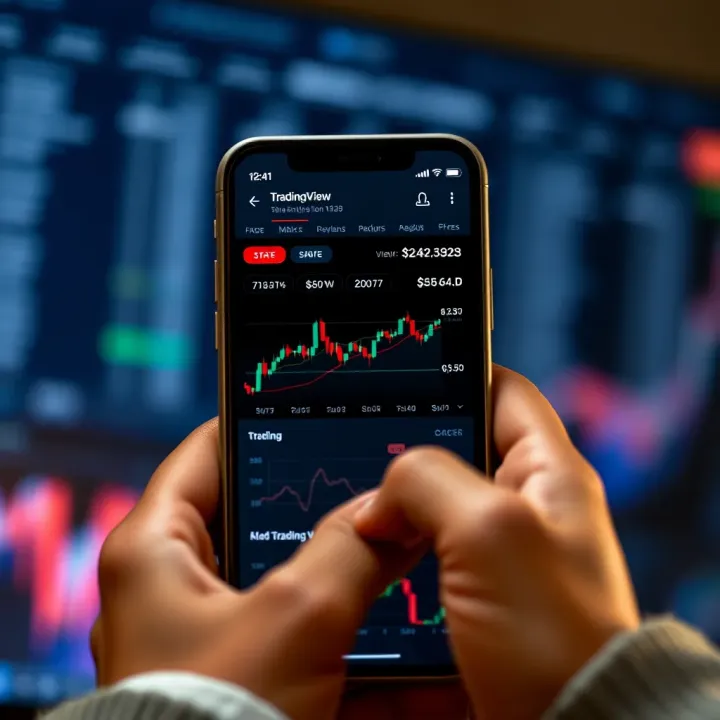
Customisable chart types and timeframes let you view price data in ways that suit your trading style. You can switch between candlestick, line, bar, or Heikin-Ashi charts depending on what helps you spot trends better. For example, a day trader focused on Nairobi Securities Exchange (NSE) stocks might use 5-minute candles to catch quick moves, whereas a long-term investor may prefer daily or weekly charts.
Drawing and annotation tools give you the ability to mark support and resistance lines, trend channels, or Fibonacci retracements right on your charts. Imagine plotting key price zones for Safaricom shares; these tools help you visually track where price might bounce or break down. They also enable you to add notes or highlight chart patterns, making it easier to review your analysis later or share with peers.
Technical indicators and overlays are essential for assessing market conditions beyond just price action. Moving averages, RSI (Relative Strength Index), and Bollinger Bands are among the popular indicators on TradingView. Kenyan traders monitoring forex pairs like USD/KES can use these to spot overbought or oversold levels or confirm momentum, ultimately improving entry and exit timing.
Following other traders and analysts on TradingView opens up access to diverse market views. Kenyan traders can find experts focusing on local equities or East African forex pairs. By following trusted profiles, you get updates, charts, and ideas in your feed, helping you stay informed without having to scour through multiple sources.
Publishing trading ideas and strategies allows you to share your forecasts or setups with the TradingView community. For example, if you spot a pattern forming in a popular cryptocurrency like Bitcoin or Ethereum, publishing your analysis can invite feedback that sharpens your approach or highlights risks you overlooked.
Engaging in community discussions brings a collaborative edge to trading. You can ask questions, debate strategies, or seek clarifications on tricky concepts from fellow users. This interaction is especially useful for Kenyan traders who may want insights relevant to their local market conditions or regulatory environment.
Setting price and indicator alerts is crucial for active traders who cannot watch markets constantly. You can configure alerts to notify you when a stock like Equity Bank crosses a particular price level or when an indicator signals a buy condition. This feature ensures you don’t miss opportunities even if you are away from your computer.
Delivery via mobile app, email, or SMS makes alerts accessible wherever you are in Kenya. Since many traders rely on mobile phones and M-Pesa data bundles, getting timely notifications on your Safaricom or Airtel handset means quicker responses and better trade management, important when dealing with volatile markets.
Using these key features thoughtfully can turn TradingView from just a charting tool into a complete trading companion tailored for Kenyan traders, helping you track, analyse, and act on market moves with confidence.
Making the most out of TradingView involves understanding the platform’s features and how they fit your trading style, especially within the Kenyan market context. Whether you’re a beginner or a seasoned trader, knowing how to start, when to upgrade, and how to navigate the mobile experience can save you time and resources.
Creating an account on TradingView is straightforward and only takes a few minutes. You simply use an email address or connect via Google or Facebook logins. For many Kenyan traders trying out charting tools for the first time, this low barrier lets you explore without financial risk.
The free account offers access to basic chart types, a handful of technical indicators, and limited saving of chart layouts. It’s enough for casual traders or those learning to read charts and identify trends. For example, you can follow popular forex pairs like USD/KES or cryptos like Bitcoin and see live price action without cost.
However, the free plan limits simultaneous charts and alerts. You get only one active alert and a single chart per tab, which might feel restrictive once your trading grows complex. Still, it’s a practical option for those just starting or for hobby traders staying updated on Kenyan and regional markets.
TradingView offers Pro, Pro+, and Premium plans, each unlocking more charts per layout, additional indicators, faster data updates, and multiple alerts. Pro is often enough for many Kenyan traders who want extra indicators and alert flexibility without breaking the bank. Pro+ and Premium suit professionals needing advanced tools like intraday bars or customised alerts.
Choosing the right plan depends on your trading frequency and markets. For instance, if you trade NSE stocks daily and want to follow multiple stocks simultaneously, upgrading to Pro makes sense. Casual traders focusing on crypto or forex might find the free plan sufficient.
In Kenyan shillings, plan costs range roughly from KSh 1,500 to KSh 7,000 per month, depending on the tier and current exchange rates. Remember, subscribing yearly can lower the monthly cost. Considering this as an investment in your trading skills helps justify the expense.
Downloading the TradingView mobile app is simple from the Google Play Store or Apple App Store. For many Kenyans using smartphones as their main internet access, this is critical. The app’s interface adapts well to smaller screens, keeping chart analysis possible even on matatu rides or during breaks.
The mobile app provides quick access to price alerts, news, and social feeds, making it easier to act on your strategies while on the go. Plus, features like offline chart viewing help manage data use when connectivity is slow or expensive.
Speaking of data, internet costs in Kenya can add up fast, especially for real-time data streaming. TradingView offers chart caching and settings to reduce data consumption. Coupling these with affordable M-Pesa data bundles from Safaricom or other providers keeps your expenses in check without missing market moves.
Maximising TradingView’s potential in Kenya means balancing your trading needs, budget, and mobile connectivity to stay informed and act promptly in dynamic markets.
Integrating TradingView with brokers allows Kenyan traders to execute trades directly from the platform, bridging analysis and action seamlessly. This convenience is vital for active traders who want to respond quickly to market movements without toggling between multiple interfaces. With direct broker connections, it becomes easier to manage positions, check balances, and receive real-time trade confirmations in one place.
List of brokers available to Kenyan traders
Kenyan traders can link their TradingView accounts to several international and regional brokers. Popular options include Interactive Brokers, OANDA, and FXCM, which offer access to a broad range of assets like equities, forex, and commodities. Local brokers such as Nairobi Securities Exchange (NSE) brokerages typically do not offer direct TradingView integration yet, so traders often depend on international firms for direct execution from the platform.
Connecting to these brokers allows Kenyan traders to place orders on global markets that may not be available locally. For example, a trader interested in U.S. equities can do so through Interactive Brokers linked with TradingView, while still monitoring Kenyan and East African stocks analytically.
Steps to link your trading account
To connect your TradingView account with a supported broker, you first need to ensure your broker account is active and approved. In TradingView, navigate to the 'Trading Panel' and select your broker from the list. Enter your broker credentials — such as account number, login, and API keys if required — to establish the connection. Once linked, TradingView synchronises with your broker account, allowing trade execution directly through the chart interface.
This setup lets traders quickly act on technical signals and indicators within TradingView without extra delays or manual data entry. However, always verify that your broker supports integration and check for any fees or additional authentication steps needed.
Benefits of direct trade execution
Direct trade execution on TradingView eliminates the need to switch between analysing charts and placing orders on separate platforms. This reduces the risk of missed opportunities or typing errors when entering trade details. Additionally, real-time order status updates, such as fills or cancellations, appear instantly, giving traders better control.
For Kenyans using mobile data or facing connectivity issues, having everything in one app can save bandwidth and time. It also simplifies portfolio tracking and order management, making the trading experience smoother and more efficient.
Availability of brokers in Kenya
While TradingView supports many brokers globally, the choice directly available in Kenya remains limited. Local brokers have yet to broadly adopt direct TradingView integration, so traders mainly rely on international brokers for platform-linked trading. This situation may change as the Kenyan capital markets mature and embrace new technologies.
For traders focused on Kenyan equities primarily, this lack of local broker integration means they must place trades on separate broker platforms while using TradingView solely for analysis. This segregated process might be inconvenient but is currently unavoidable for some.
Regulatory and security aspects
Connecting TradingView with brokers involves sharing sensitive account information, so security is paramount. Kenyan traders should confirm that both TradingView and their broker comply with strong encryption standards and data protection policies. Brokers regulated by bodies like the Capital Markets Authority (CMA) or international counterparts generally provide safer environments.
Regulatory frameworks affect which brokers Kenyans can legally use and the protections available on funds and trades. Ensure your broker is authorised to operate and that their integration with TradingView does not compromise compliance or expose you to undue risks.
Alternative ways to use TradingView without direct trading
If your preferred broker is not linked with TradingView or you hesitate to connect your account, you can still use TradingView effectively as a powerful analysis tool. Many Kenyan traders rely on TradingView charts, alerts, and ideas to research and plan trades, then execute orders manually on their broker's website or mobile app.
This approach keeps analysis and trading separate but remains fully functional. You can set price alerts through TradingView to notify you when conditions meet your criteria, helping prompt timely manual trades. While less seamless, this method suits traders prioritising security or who focus on markets without integrated brokers.
Using TradingView with broker integration offers real-time convenience but requires careful choice and consideration of security, availability, and regulatory compliance. Where direct trading is not feasible, TradingView still serves as a valuable charting and alert platform for Kenyan traders.
Using TradingView effectively is about more than just knowing its features. Kenyan traders need smart strategies to navigate the platform smoothly and make trading decisions that count. This section highlights practical tips and best practices, focusing on how to customise TradingView for local market relevance, tap into expert insights, and manage data costs – all important for trading efficiently in Kenya.
Saving chart layouts is a simple yet powerful way to boost your daily trading workflow. With TradingView, you can save customised chart setups including specific indicators, timeframes, and drawings. For example, you might create a layout for tracking NSE stocks with moving averages and volume indicators, and another for forex pairs using RSI and MACD. Saving these layouts means you don’t start from scratch every time you log in; just pick your preferred setup and get straight into analysis.
Using watchlists relevant to Kenyan markets lets you keep important instruments in sight without clutter. You can organise watchlists by market type – say, one for Kenyan equities like Safaricom and KCB, another for forex pairs such as USD/KES or EUR/KES, and a separate one for popular cryptocurrencies amongst Kenyan traders like Bitcoin and Ethereum. This helps you react faster to price changes, rather than hunting for instruments amid hundreds of other charts.
Finding trusted Kenyan and East African analysts on TradingView can sharpen your perspective on market moves that matter locally. Follow analysts who regularly post ideas about Nairobi Securities Exchange (NSE) stocks or East African forex trends. Their insights often reflect regional economic realities like Central Bank policies or upcoming elections, which might not be obvious from global news.
Participating in local trading communities provides hands-on support and shared learning. Joining groups and discussions with fellow Kenyan traders can expose you to different strategies and tips. For instance, some members may share setups specifically designed around Kenyan market hours or seasonal trends, like the impact of the long rains on agricultural stocks.
Optimising settings for M-Pesa data bundles is vital to keep costs in check since real-time market data and chart updates can consume considerable mobile data. Reduce refresh rates where possible, switch off auto-play of videos or ads on the platform, and limit background app activity. This preserves your data bundle and stretches your M-Pesa budget without sacrificing crucial chart updates.
Offline preparation tips help you stay ahead when you expect patchy internet or tight data budgets. You can save chart images, export watchlists, or note down key setups while online. Having these offline resources lets you review trends and plan trades even without continuous internet access, which is useful when commuting by matatu or staying in rural areas with limited coverage.
Staying smart about your TradingView use — from workspace setup to data management — gives you an edge as a Kenyan trader. These best practices aren’t just about convenience; they directly affect how quickly and confidently you can act in the markets.
Explore Binary.com with our detailed guide for Kenyan traders 📊. Learn platform features, start trading safely, and get tips to boost your experience 🇰🇪.
Learn how to open and manage Deriv accounts in Kenya 🇰🇪. Discover types, verification, funding, and trading tips to boost your success on the platform 📈.
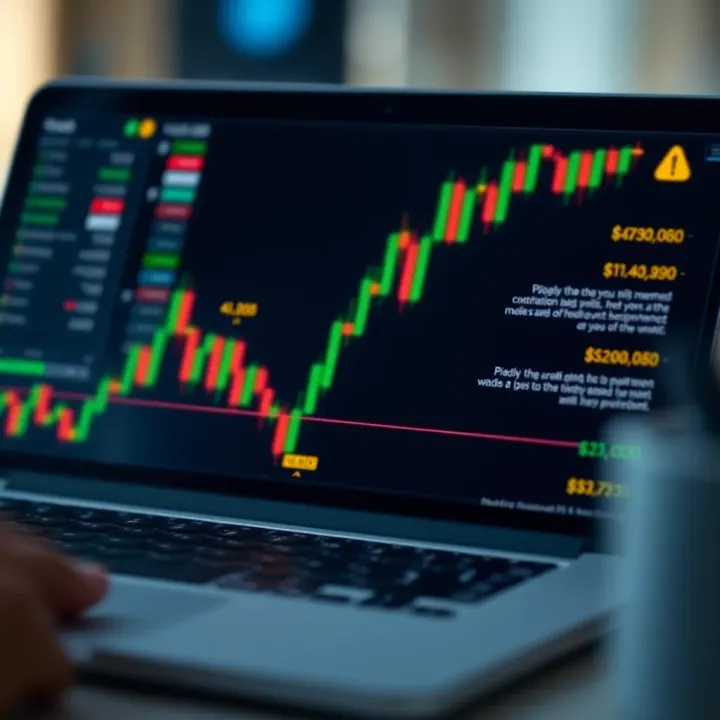
📈 Explore a practical guide on binary options tailored for Kenyan traders. Learn how they work, risk management, choosing brokers, local regulations, and scam prevention.
Learn all about Deriv's minimum deposit for Kenyan traders 💰. Get tips on payments, safety, and avoiding deposit errors for smooth trading experience.
Based on 15 reviews